 Carakin
Get started with Carakin
Carakin works on Android and the web with the same encrypted family. Follow these steps the first time you set things up.
1. Sign in
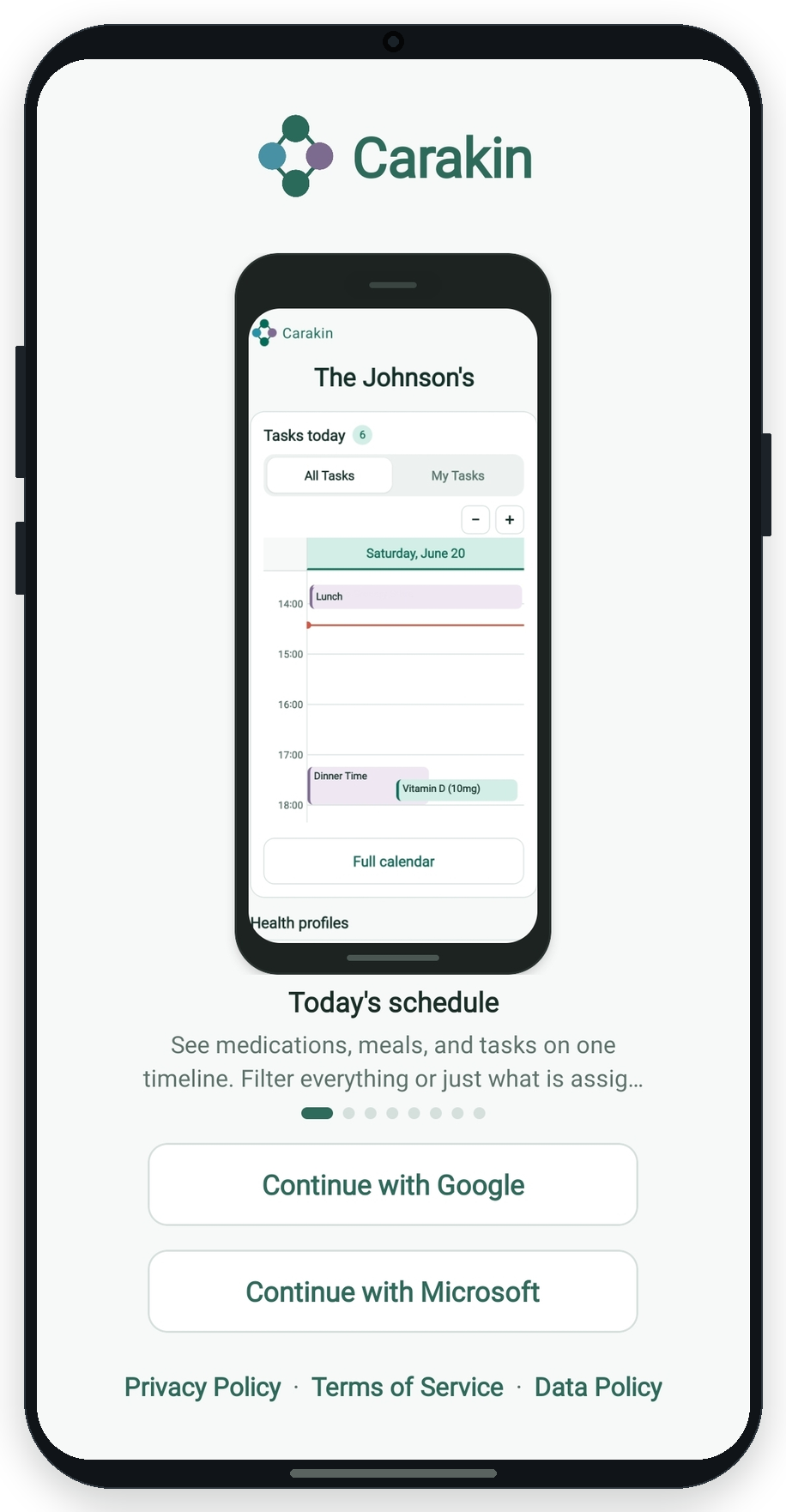
Install Carakin from Google Play, or go to carakin.com/app in a browser. Sign in with Google or Microsoft.
2. Create or join a family
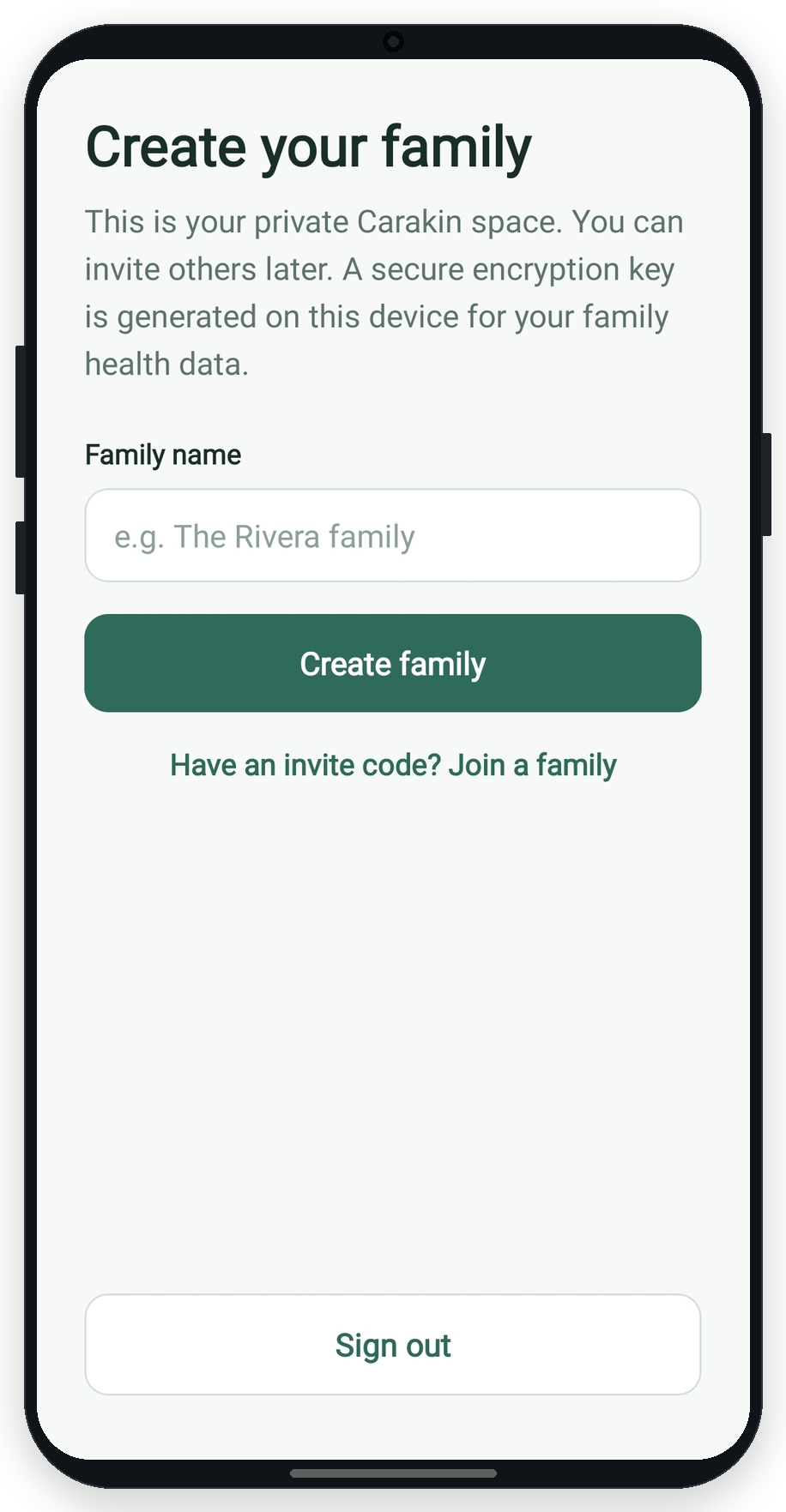
Create: Pick a family name. Carakin sets up encryption for that family on your device.
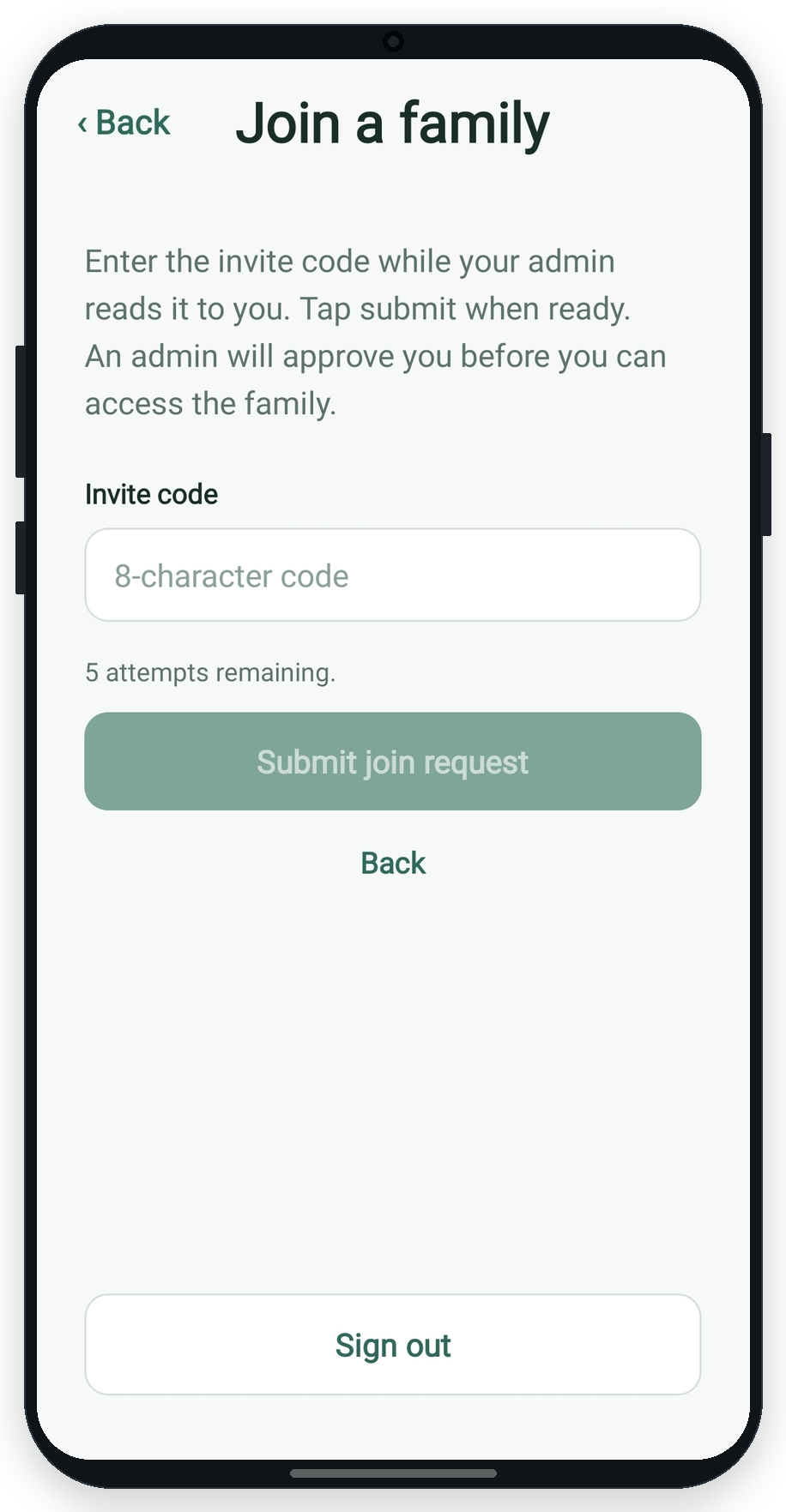
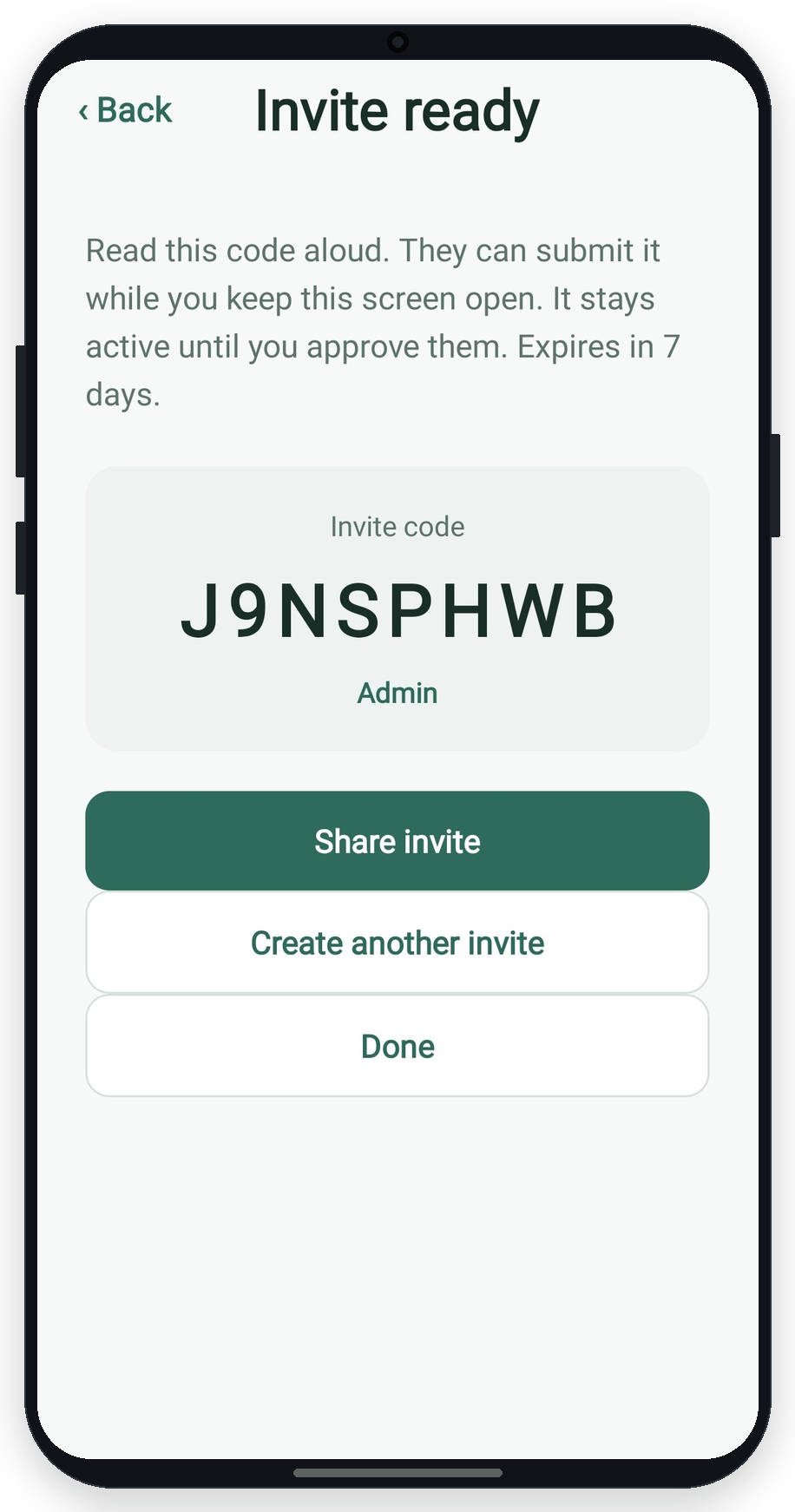
Join: Enter an 8-character invite code. An admin must approve your request before you can read family care data.
3. Save your recovery code
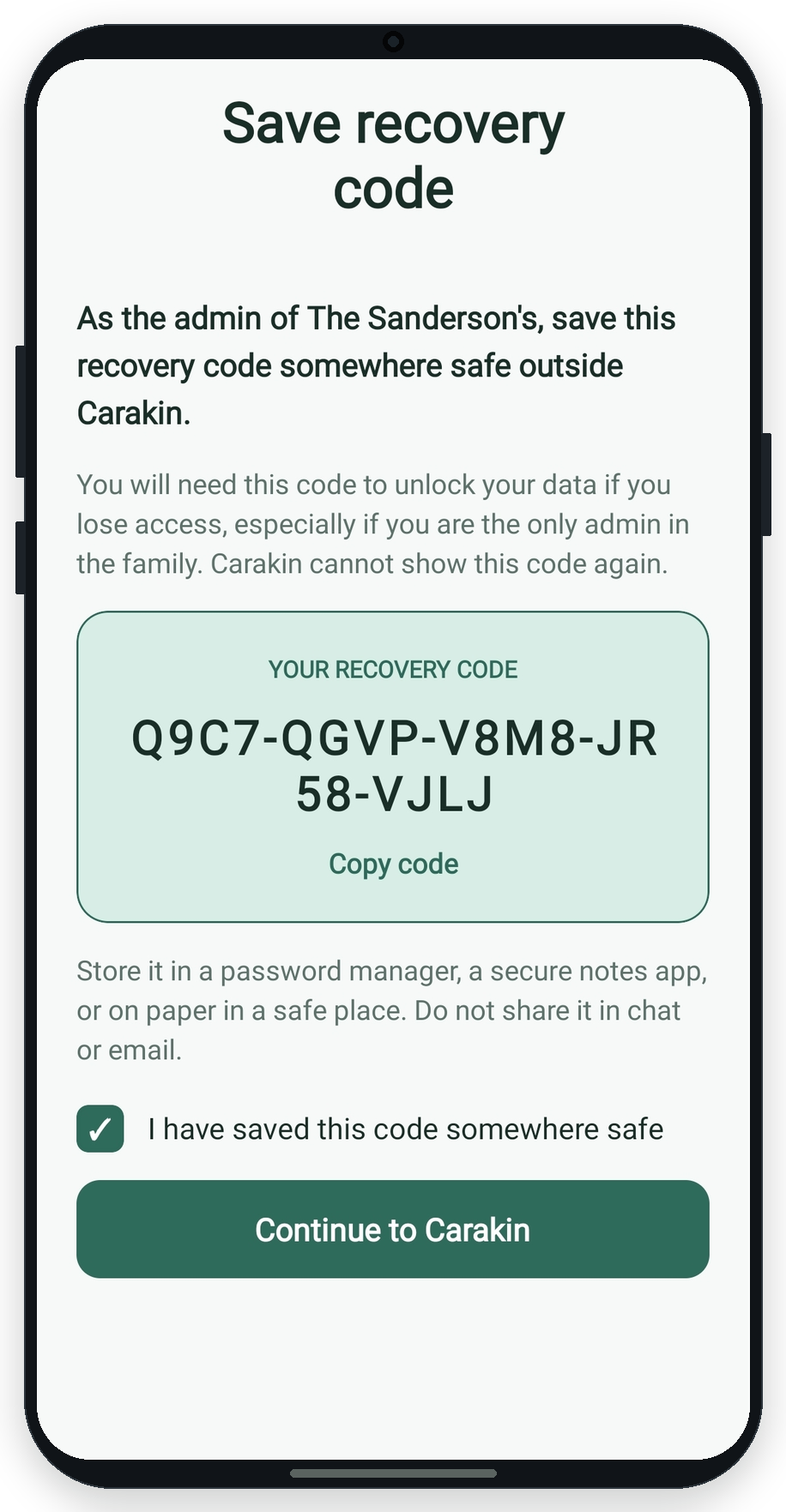
While a device is unlocked, create a recovery code in Settings and store it somewhere safe (password manager, printed copy, etc.).
Read more in Security & recovery.
4. Invite people and approve access
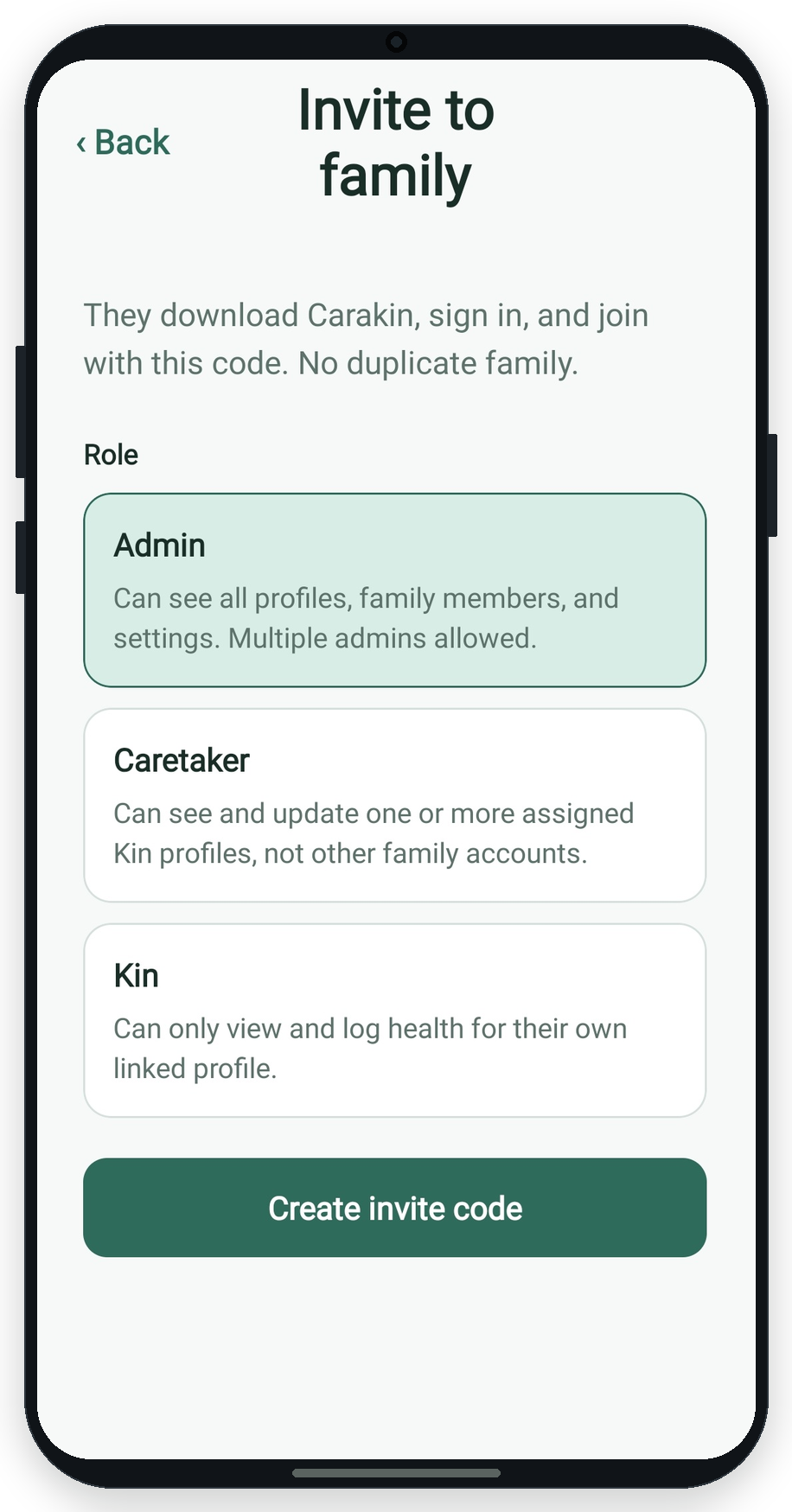
Admins can invite others as Admin, Caretaker, or Kin from People → Users. Share the invite code. When someone joins, approve their join request (also shown on Today). When someone opens Carakin on a new computer or phone, approve their encryption access request.
5. Add kin profiles
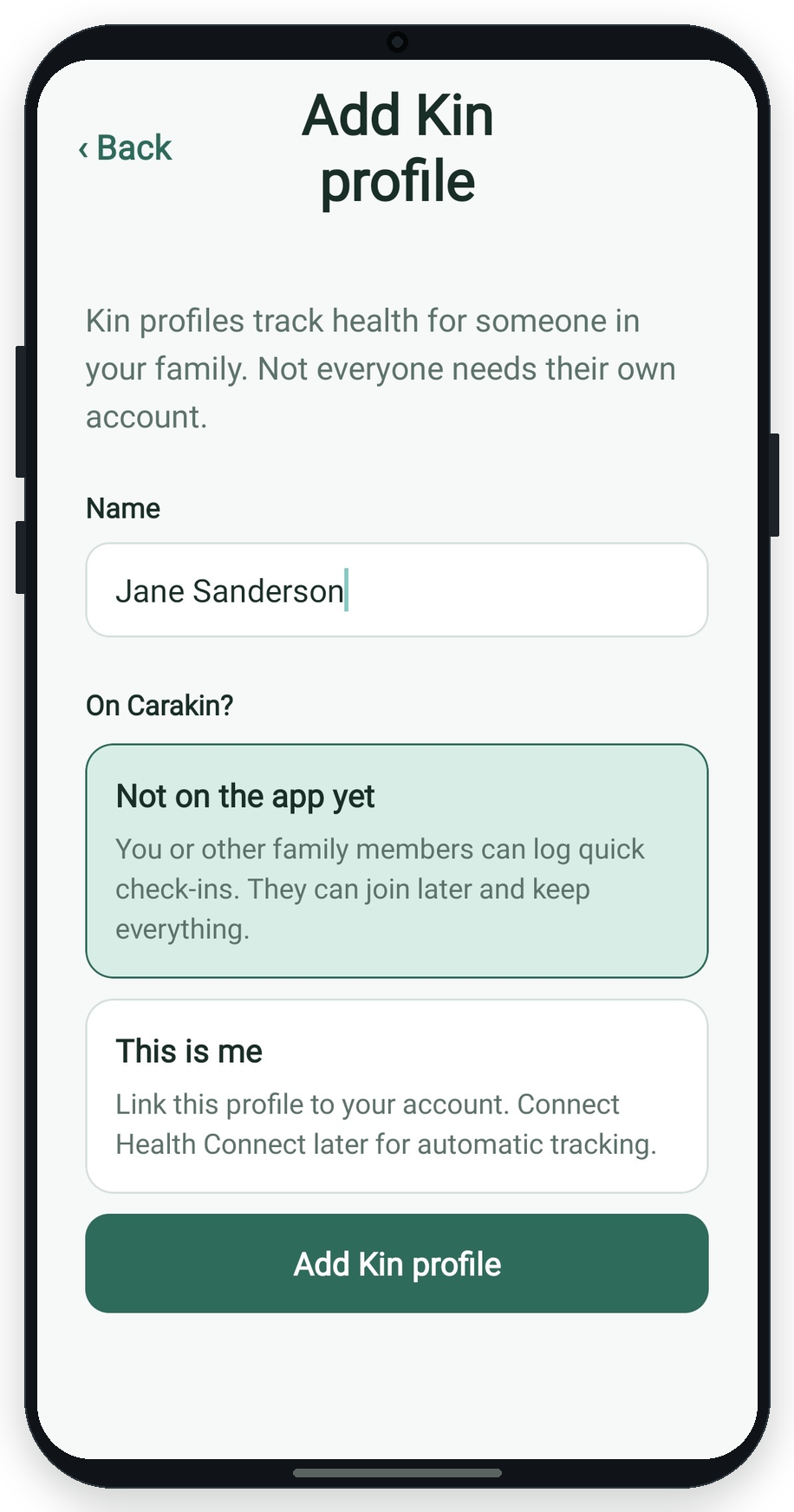
Kin profiles are the people you schedule care for. Add them under People → Kin (with or without their own login - invite as Kin). Optionally mark This is me to link a profile to your account, then add medications, appointments, and tasks with +Care.
Next: Using Carakin day to day