 Carakin
Add an appointment
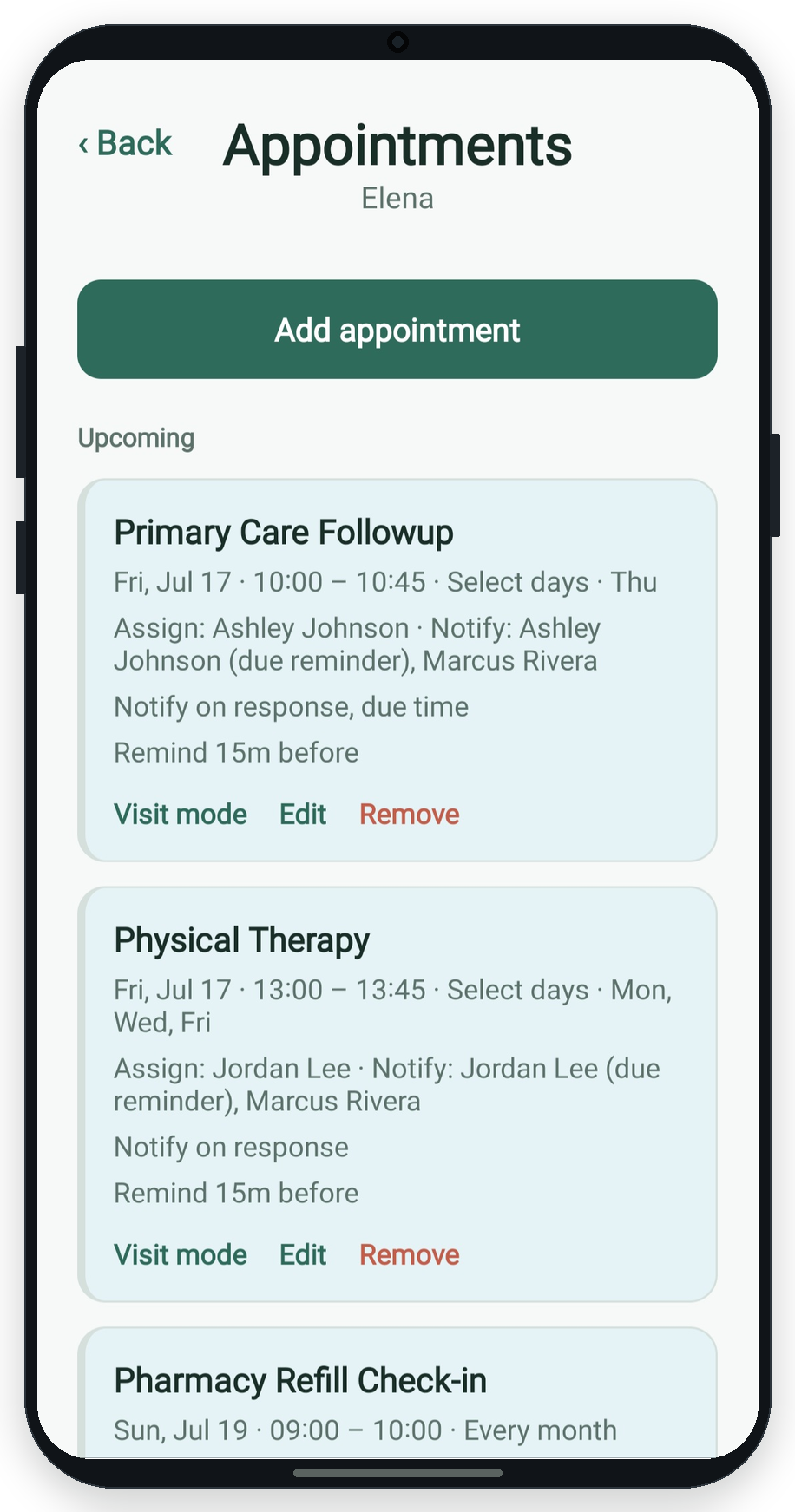
Appointments have a start and end time on a given day, with optional daily, weekly, monthly, yearly, or custom repeats.
Create the appointment
- Tap +Care → Appointment.
- Choose the kin profile and title (e.g. "Pediatrician").
- Set date, start time, and end time.
- Choose repeat: once, every day, select days, monthly, every N months, yearly, or custom dates.
- Set reminder offset (minutes, hours, or days before).
- Assign who is going / responsible, optional notify others, notes, and attachments.
- Save appointment.
Change or cancel
Edit from the calendar or profile appointment list. Skip a single occurrence or remove this and all future from the calendar inspector.
Visit packet PDF
From an appointment you can create a visit packet PDF with kin details, medications, notes, and recent vitals (latest blood pressure, weight, blood sugar, and device metrics from the 14 days before the visit). Attached documents are listed by name only.
More guides: All guides | Vitals | Medications | Tasks