 Carakin
Add a medication
Medications are repeating (or one-time) dose schedules tied to a kin profile. Start from +Care in the top bar (raised in the Android bottom bar on phone).
Create the medication
- Tap +Care.
- Choose Medication.
- Select who it's For (kin profile).
- Enter the medication name and optional dosage.
- Pick Specific times or an interval (every N hours between start and end).
- Set repeat: once, daily, weekdays, weekly days, or custom dates.
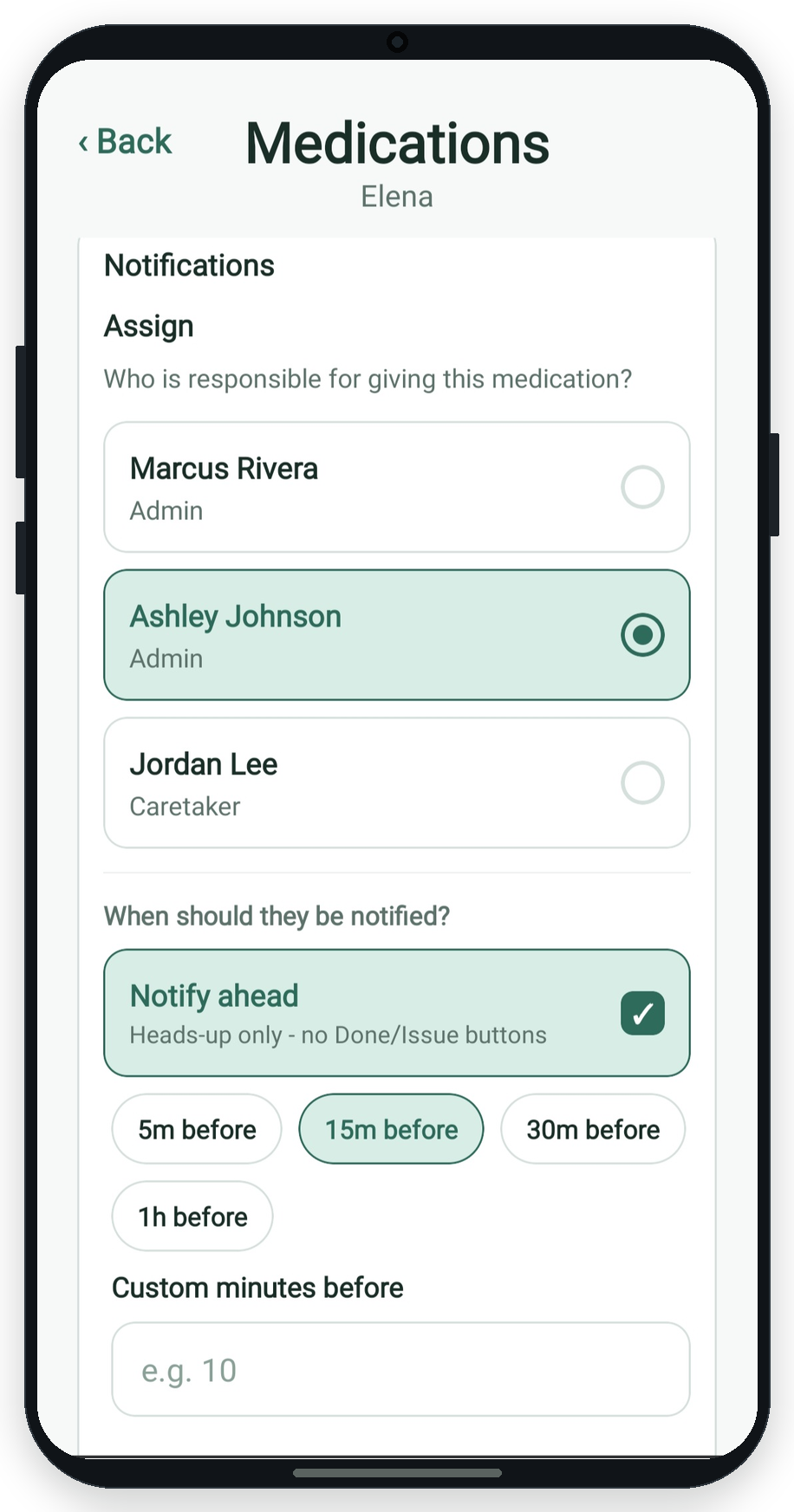
- Choose reminder minutes, the assignee (who gives the dose), and optional notify others.
- Optional: attach documents from your library.
- Save medication.
Edit or end a medication
From the calendar or the kin profile's medication list, open Edit schedule. You can also Skip one dose or Remove this and all future from a calendar occurrence.
More guides: All guides | Appointments | Tasks | Calendar actions